AI-generated example clip
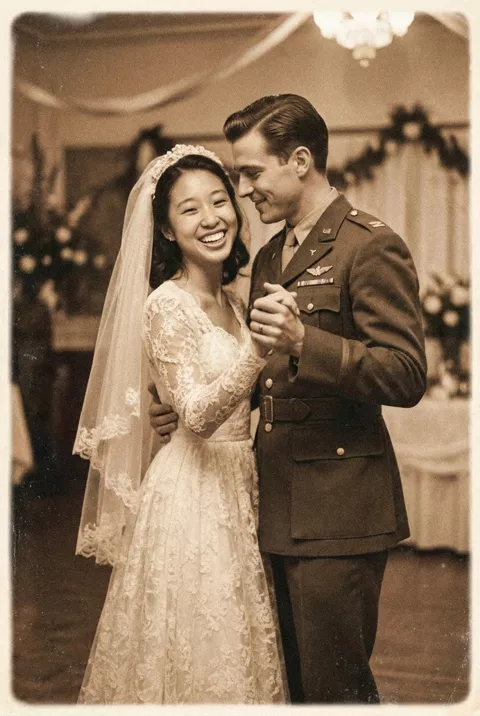
Step 2 · Photo → Video
The First Dance Continues
An old wedding photo sways back into its first dance.
Animate this old wedding photo: the couple begins to sway gently as if slow dancing, looking at each other and smiling. Keep both faces exactly as in the photo and preserve the original photo's era look. Soft romantic motion, static camera, 5 seconds.
What to watch for
A dance turns them toward each other and away from the lens. Ours starts with the bride smiling at the camera and ends with both faces in near-profile, so the camera-facing expression the photograph was taken for is gone by the final second. Their joined hands also merge into one shape you cannot read. Keep the opening second if that frame is the one you love. Identity held better here than in our living-memory clip, for what that is worth.
How to use it
Only edit photos you have permission to use, including permission from the people pictured.
- Choose a wedding photo with both people close together and enough of their bodies visible for a gentle sway.
- Upload the source to an image-to-video tool compatible with this prompt (Kling / Veo (image-to-video)), then paste the prompt. Keep the movement small and preserve the photograph’s grain and tone; remove any gesture that does not suit the people pictured. Request 5 seconds where the tool allows it; this is the requested clip length, not a generation-time estimate.
- Check both faces and the joined hands while the couple sways. Reduce the movement if bodies merge or clothing changes.
- Download the accepted clip and label it as AI-made when sharing. Keep the source still so you can compare later revisions.
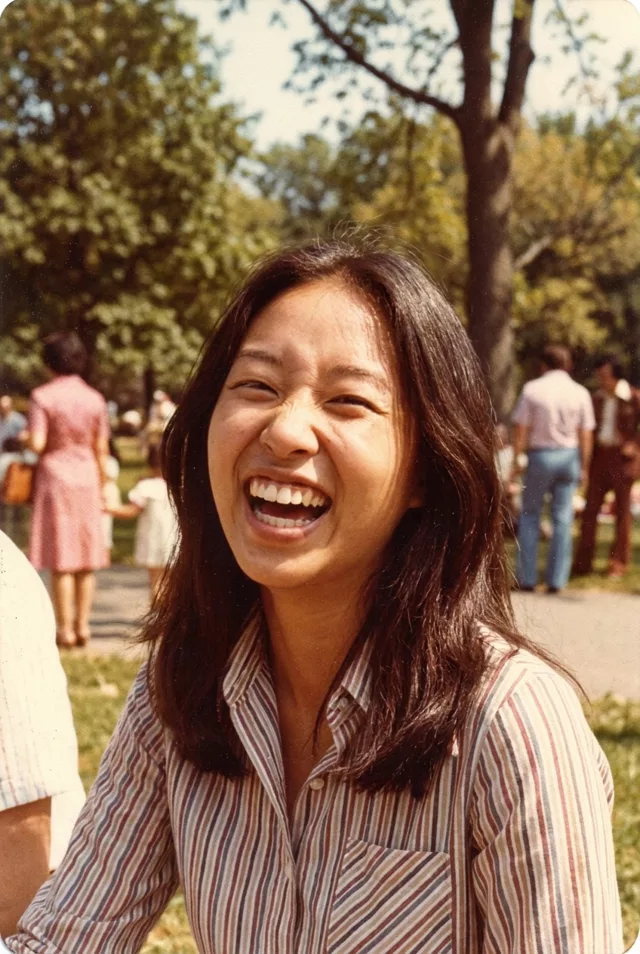 Living Memories
 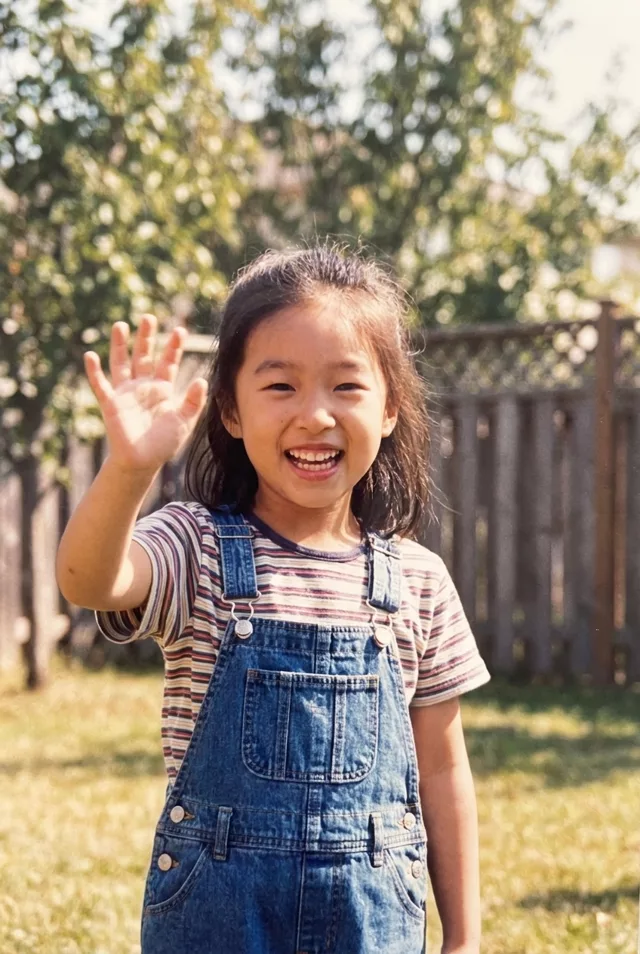 Living Memories