AI-generated example clip
Step 2 · Photo → Video
A Living Memory
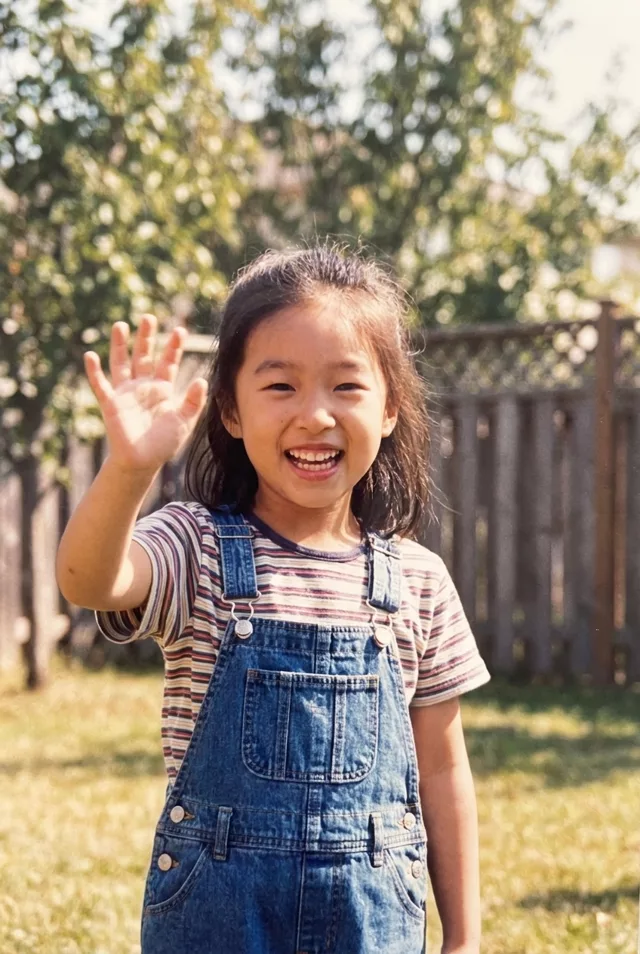
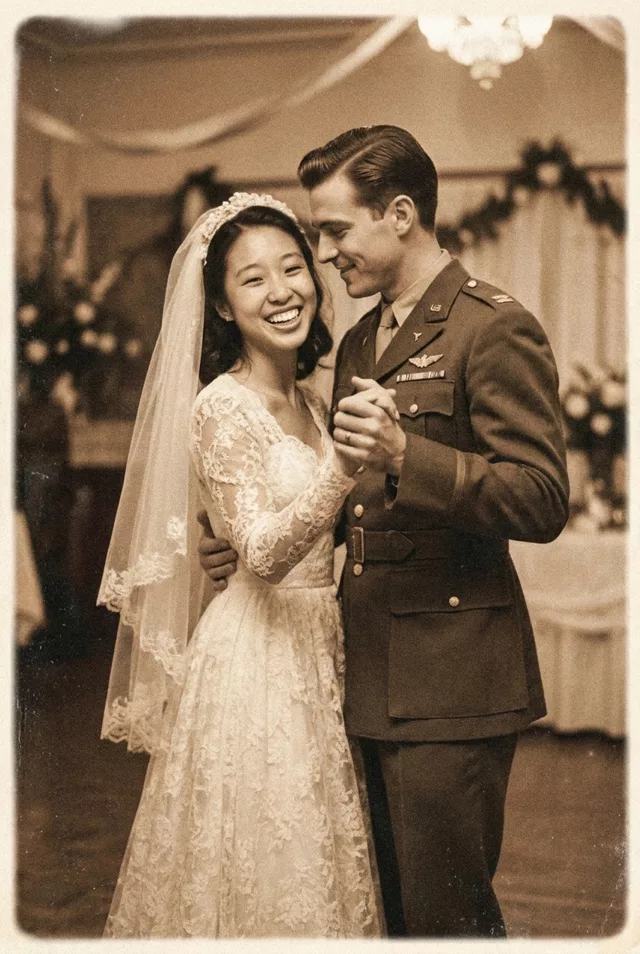
Restored old photos gently continue for five more seconds — subtle, respectful, moving.
Gently animate this restored old photograph. The people move with small, natural gestures — a soft smile, a slight head turn, a blink — as if the moment continued for a few more seconds. Keep every face exactly as in the photo, and preserve the original photo's grain and tone. Static camera, respectful and subtle, 5 seconds.
What to watch for
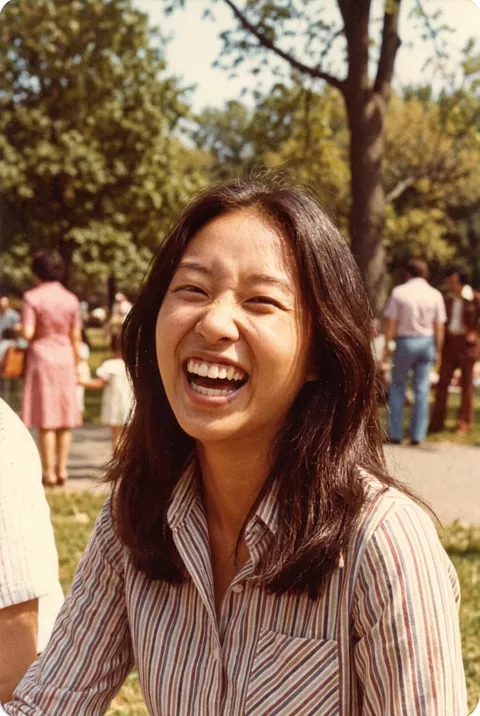
Be careful with this one. The expression is usually the whole reason an old photo matters, and animation replaces it — ours began with a wide open laugh, eyes creased shut, and ended with a mild, generic smile on a narrower face. Five seconds was enough to lose the thing that made the photograph that person. Keep the first second and cut, or leave the photo still. Restore the scan before animating, or the damage moves along with the face.
How to use it
Only edit photos you have permission to use, including permission from the people pictured.
- Repair distracting damage in a separate still image first, and keep the original for comparison.
- Upload the source to an image-to-video tool compatible with this prompt (Kling / Veo (image-to-video)), then paste the prompt. Keep the movement small and preserve the photograph’s grain and tone; remove any gesture that does not suit the people pictured. Request 5 seconds where the tool allows it; this is the requested clip length, not a generation-time estimate.
- Compare the first, middle, and last frames for age, likeness, clothing, and expression. Reject a take that changes the people even if the motion looks smooth.
- Download the accepted clip and label it as AI-made when sharing. Keep the source still so you can compare later revisions.
 Living Memories
  Living Memories