 Retro / Y2K
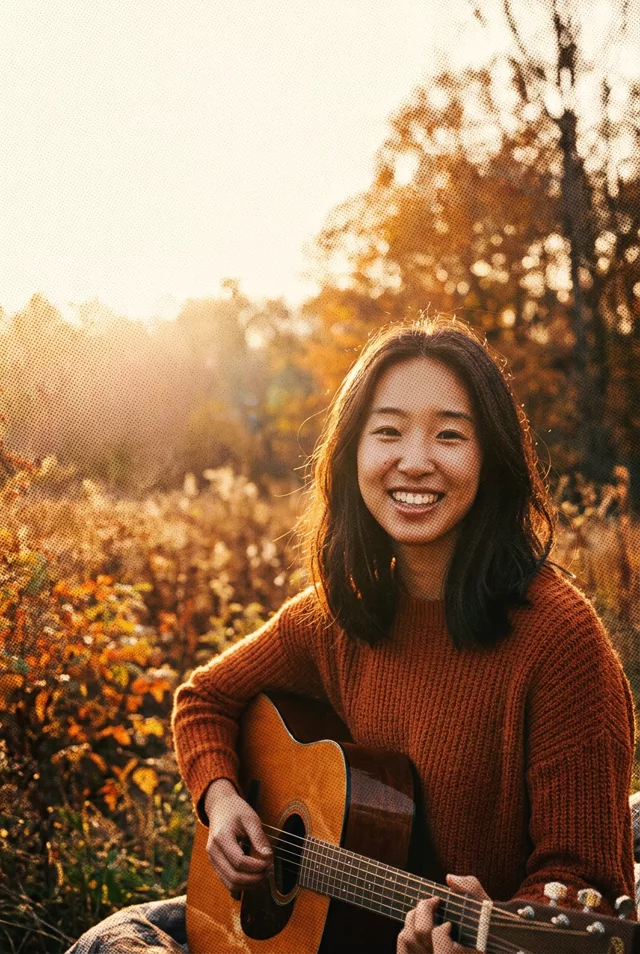
 AI-generated example
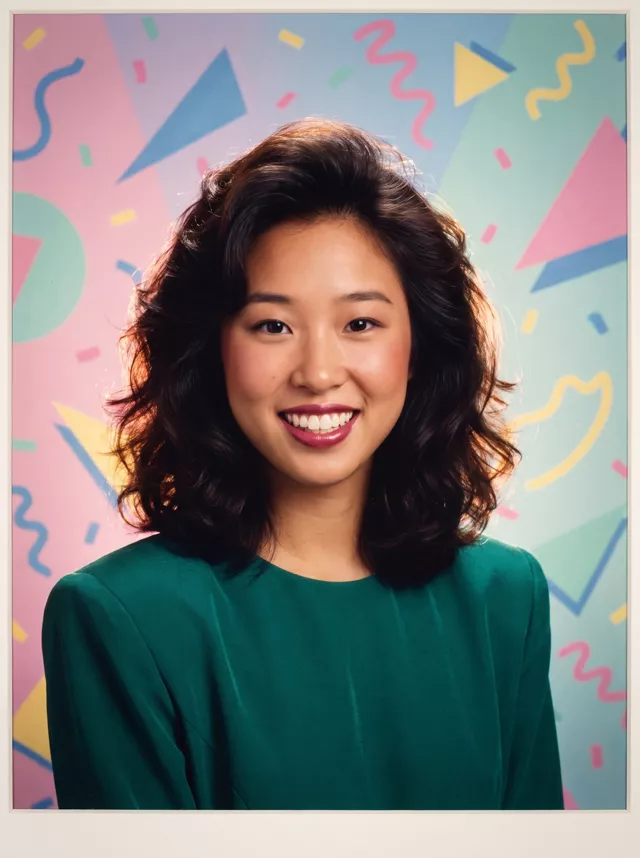
80s Studio Portrait
Memphis backdrop, shoulder pads and Kodachrome colour — the 1987 portrait-studio look, your own face and hair kept.
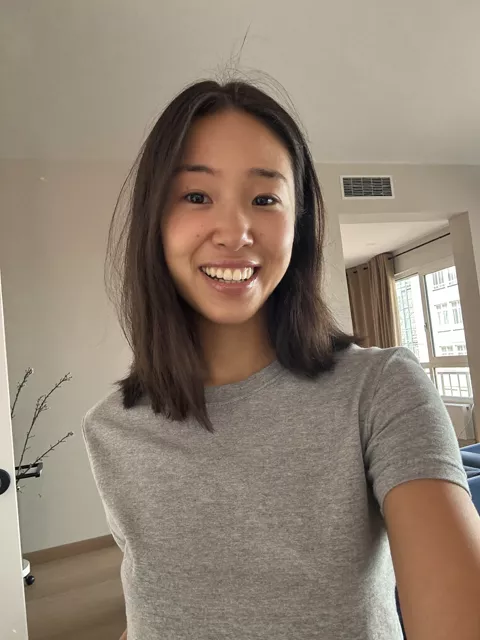
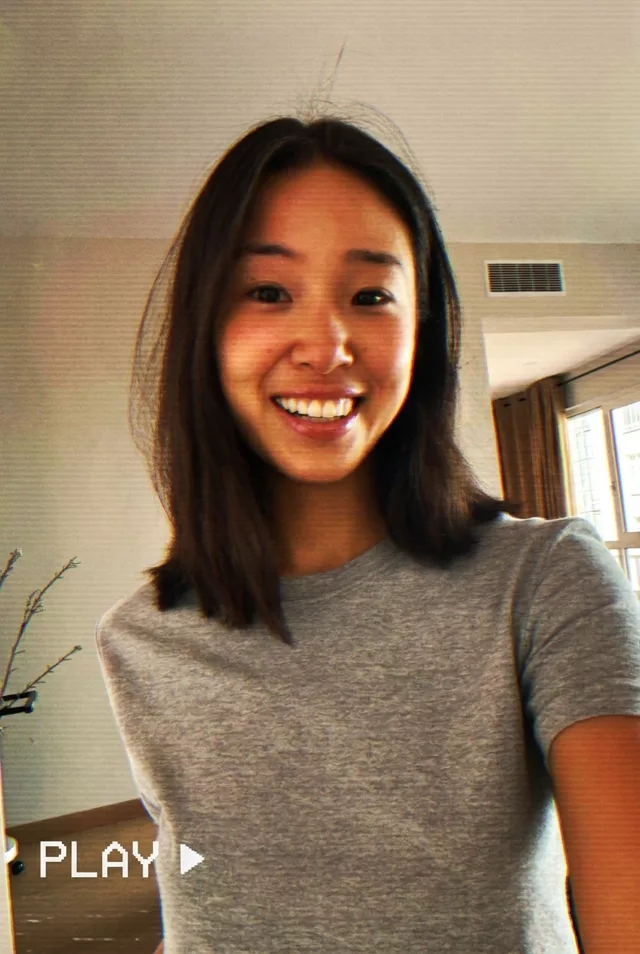
Turn this photo into a 1980s portrait-studio photograph. Keep my exact facial features, face shape and skin tone unchanged — do not slim my face, do not change my eyes or smile. Keep my own hair length and colour, but add 1980s volume and soft waves to it. Soft warm blush and a berry lip, nothing heavy — no blue eyeshadow. Dress me in a jewel-tone top with shoulder pads. Place me against a hand-painted studio backdrop in Memphis style: pastel geometric shapes, squiggles and confetti flecks on a soft gradient. Soft key light with a warm rim light behind my hair. Kodachrome print colours, fine grain, slight vignette, like a framed portrait from a 1987 family album.
What to watch for
We wrote this one twice and the difference is the lesson. The first version asked for a perm and 'bold makeup', and the face came back slimmer and longer — a relative, not her. Replacing your hair removes one of the strongest recognition cues you have, and it stacks with a new wardrobe, backdrop and light into a near-total rebuild. The published version keeps your own hair length and colour, adds only volume, and bans blue eyeshadow, which the model reaches for unprompted. The Memphis backdrop and print border arrived right first time.
How to use it
Only edit photos you have permission to use, including permission from the people pictured.
- Start with a clear source rather than adding retro effects to an already heavily filtered image.
- Attach the source in an AI image editor compatible with this prompt (Gemini · ChatGPT (any AI image editor)), then paste the prompt. Keep the period or recording format in the prompt consistent. Specify any requested date or lettering, or remove the text request.
- Check facial detail beneath the noise, scan lines, or print texture. Read any labels and reduce effects that make the subject hard to recognize.
- Save the accepted image separately from the original and label it as AI-edited when sharing. Use the saved edit as the source if you choose to animate it next.
 Retro / Y2K
  Retro / Y2K
  Retro / Y2K
  Retro / Y2K