 Retro / Y2K
 AI-generated example
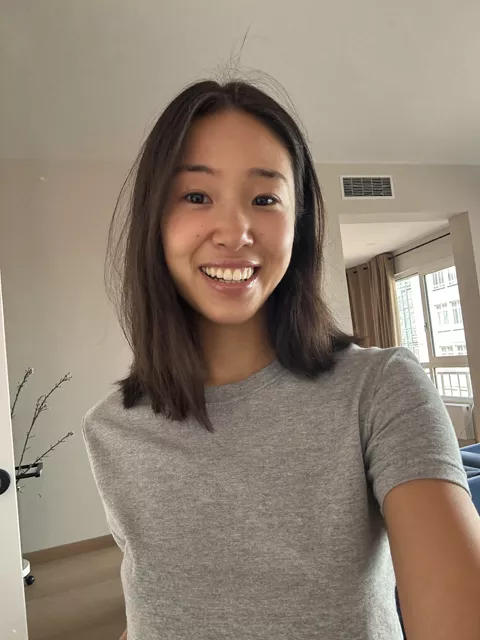
Step 1 · Photo → Aesthetic
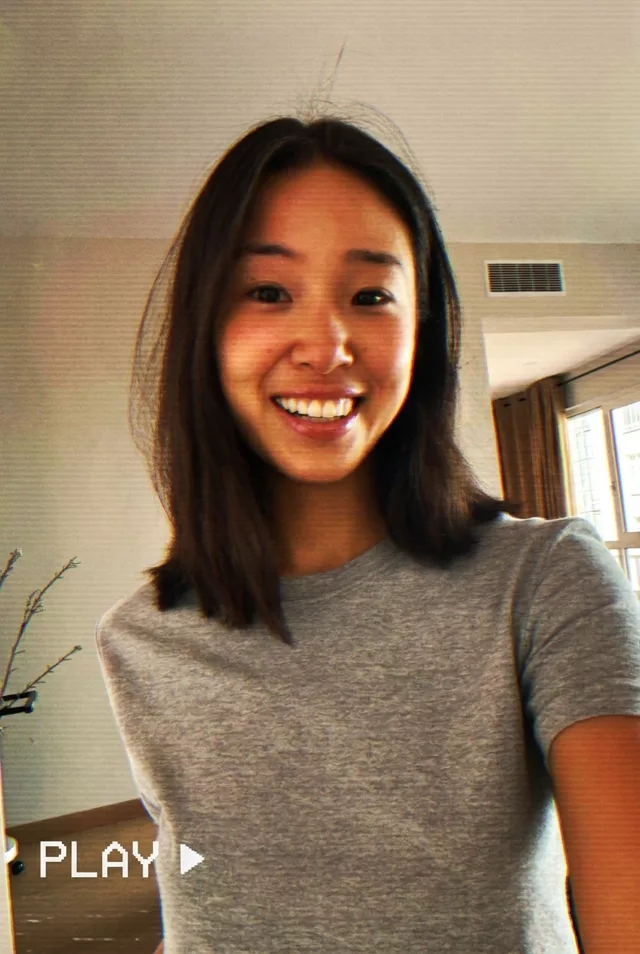
VHS Freeze Frame
A paused home-video moment: scan lines, PLAY overlay and analog color bleed.
Edit this photo to look like a paused VHS home-video frame. Keep my exact facial features, do not change my face. Scan lines, slight color bleeding and chromatic fringing, soft analog blur, a white 'PLAY ▶' overlay and timestamp in the corner, warm 80s-90s home video color cast.
What to watch for
The timestamp usually does not arrive. Ours rendered a clean 'PLAY' overlay and no date at all — type the exact digits you want, like '12 24 94', the way our 90s film prompt handles its date stamp. Like the golden-hour Polaroid this is a grade rather than a scene change, so your real room stays put. Scan lines and the red chromatic fringing along one side of the face both came through clearly.
How to use it
Only edit photos you have permission to use, including permission from the people pictured.
- Start with a clear source rather than adding retro effects to an already heavily filtered image.
- Attach the source in an AI image editor compatible with this prompt (Gemini · ChatGPT (any AI image editor)), then paste the prompt. Keep the period or recording format in the prompt consistent. Specify any requested date or lettering, or remove the text request.
- Check facial detail beneath the noise, scan lines, or print texture. Read any labels and reduce effects that make the subject hard to recognize.
- Save the accepted image separately from the original and label it as AI-edited when sharing. Use the saved edit as the source if you choose to animate it next.
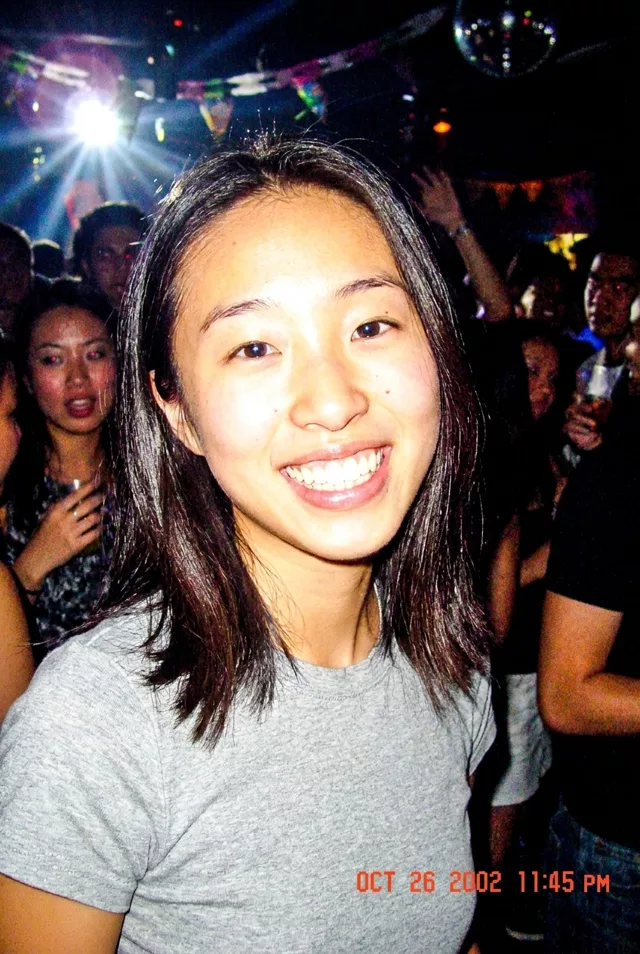 Retro / Y2K
 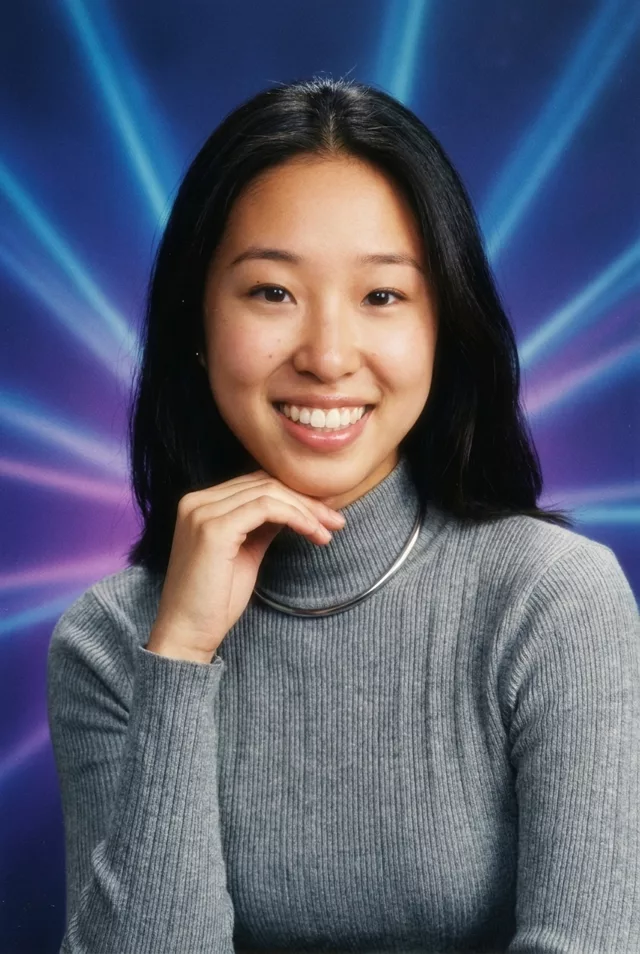 Retro / Y2K
  Retro / Y2K
  Retro / Y2K