AI-generated example clip
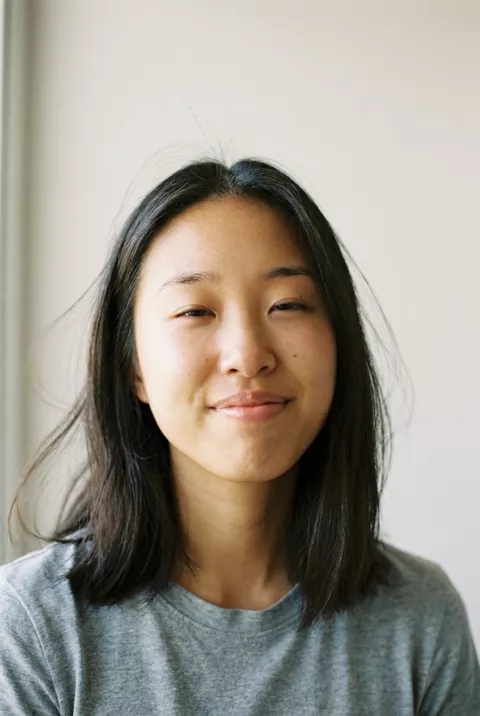
Step 2 · Photo → Video
Gentle Smile & Breeze
The smallest magic: a blink, a breath, a smile — your photo quietly comes alive.
Animate this portrait with very subtle, realistic motion: a soft breeze moves strands of hair, the person blinks naturally and breaks into a gentle smile. Keep the face exactly as in the photo, no changes to features. Static camera, everything else in the scene stays almost still, 4 seconds, lifelike quality.
What to watch for
This is the control case, and it still drifts. One large front-facing face, motion limited to a breath and a breeze, five seconds — about as safe as animation gets — and ours still came back slightly narrower in the face and larger in the eye by the final frame. Nothing makes drift zero; this prompt just makes it small. If you want the least risky animate in our set, this is it. Trim the last second if the face has moved.
How to use it
Only edit photos you have permission to use, including permission from the people pictured.
- Choose an image with the light, weather, or loose fabric that the selected motion needs, and keep the main subject easy to inspect.
- Upload the source to an image-to-video tool compatible with this prompt (Kling / Veo (image-to-video)), then paste the prompt. Keep only the small movements you want; remove extra head turns or gestures rather than asking for all of them at once. Request 4 seconds where the tool allows it; this is the requested clip length, not a generation-time estimate.
- Watch the full clip for drifting features or a moving background that should stay still. If you intend to loop it, compare the end with the beginning.
- Download the accepted clip and label it as AI-made when sharing. Keep the source still so you can compare later revisions.
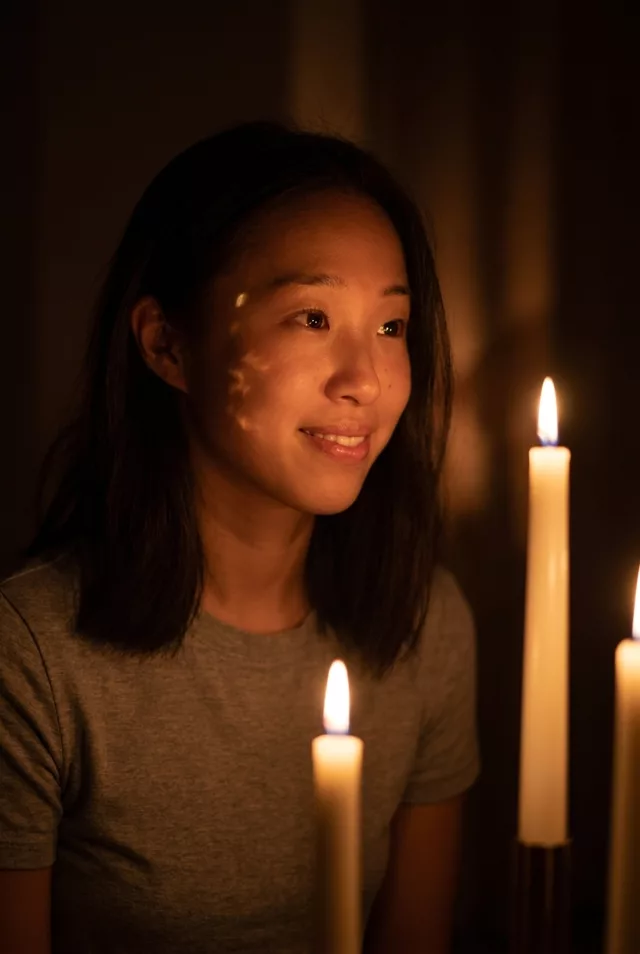 Subtle Motion
 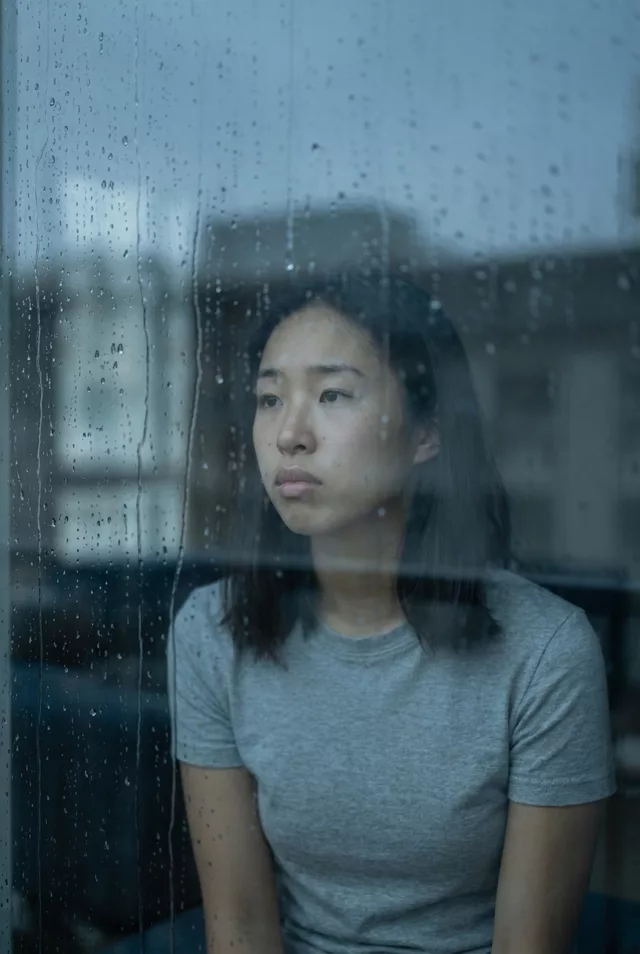 Subtle Motion
 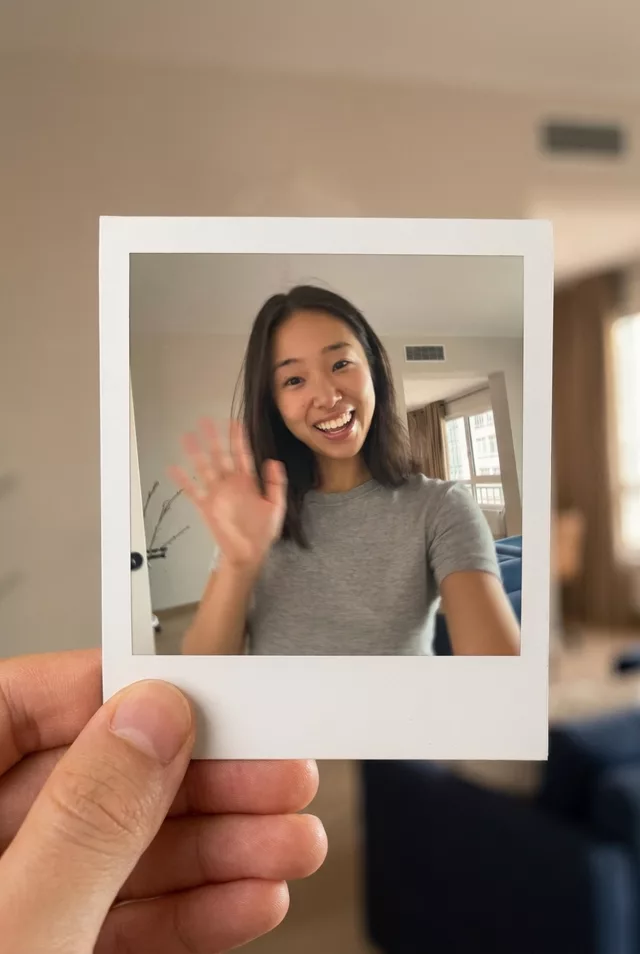 Subtle Motion
  Subtle Motion