 Photo Restoration
 AI-generated example
Step 1 · Photo → Aesthetic
Colorize a Black & White Photo
Bring natural, era-appropriate color to black-and-white family photos.
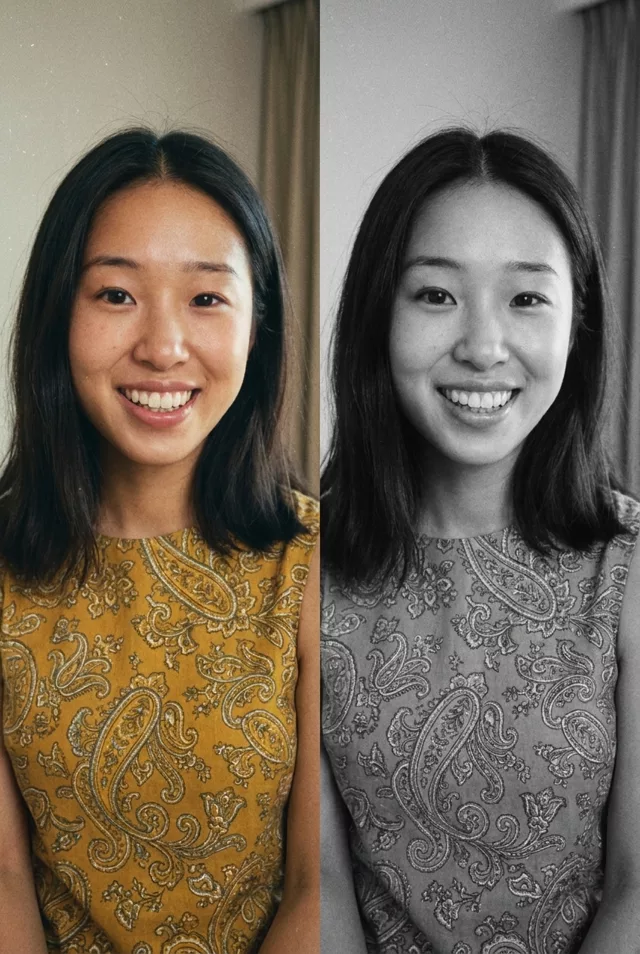
Colorize this black-and-white photograph with realistic, historically appropriate colors. Keep every person's exact facial features unchanged. Natural skin tones, era-appropriate clothing colors, and a gentle color palette that suits the time period. Preserve the original grain and texture so it still feels like a photo from its era.
What to watch for
Colorizing is a full rebuild, not a tint. Put our result beside its original and the two do not line up — the face is slightly wider, the teeth differ, the hair parts elsewhere. The identity clause reduces that drift but does not remove it, so compare at full size and run it again if the face moved. The colour itself is convincing: natural skin tone, period-plausible clothing, and the original grain left in place.
How to use it
Only edit photos you have permission to use, including permission from the people pictured.
- Keep an untouched copy and upload the best available scan, including damaged edges you want repaired.
- Attach the source in an AI image editor compatible with this prompt (Gemini · ChatGPT (any AI image editor)), then paste the prompt. Add clothing or object colors only when you know them from a reference. Treat unspecified colors as interpretations, not recovered historical facts.
- Compare facial features and texture with the black-and-white original. Check known colors against your references and retain the monochrome source.
- Save the accepted image separately from the original and label it as AI-edited when sharing. Use the saved edit as the source if you choose to animate it next.
 Photo Restoration
  Photo Restoration