Why AI Photos Don't Look Like You — 7 Fixes That Actually Work
You upload a selfie, ask for a cinematic portrait, and get back… someone else. Similar vibe, wrong face. This is the single most common complaint with AI photo transforms, and it has a name: identity drift.
The good news is that it’s mostly fixable. After hundreds of edits, these are the seven fixes that consistently bring the results back to actually looking like you.
Why It Happens
Image models don’t “know” your face — they reconstruct the whole image while applying your style request. The stronger the style, the more the model leans on its idea of a generic attractive face instead of your actual features. Small input problems (blur, shadows, angles) make it worse, because the model fills the gaps with guesses.
So the fixes come down to two things: give the model a clearer face to work from, and give it less room to improvise.
Fix 1: Start With a Better Source Photo
This is the highest-impact fix and the one people skip. Use a sharp, well-lit photo where your face takes up a good portion of the frame. Avoid motion blur, low light, and heavy filters — a Snapchat-filtered photo is already a modified face, and the AI will drift from an already-drifted starting point.
Fix 2: Show Your Whole Face
Sunglasses, hats pulled low, hands on your chin, hair across one eye — every occlusion forces the model to invent what’s underneath. Faces at extreme angles cause the same problem. A front-facing or slight three-quarter angle with nothing covering your features gives you a fighting chance.
Fix 3: Say It Explicitly in the Prompt
Never assume the model will preserve your face. Every transform prompt we write includes a line like this:
Keep my exact facial features, face shape, skin tone, and expression.
Do not change my face, do not beautify me, do not make me look younger.
Only change the style and background as described.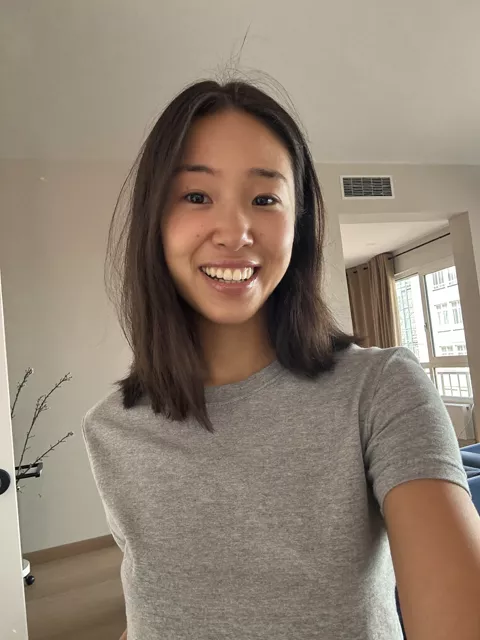
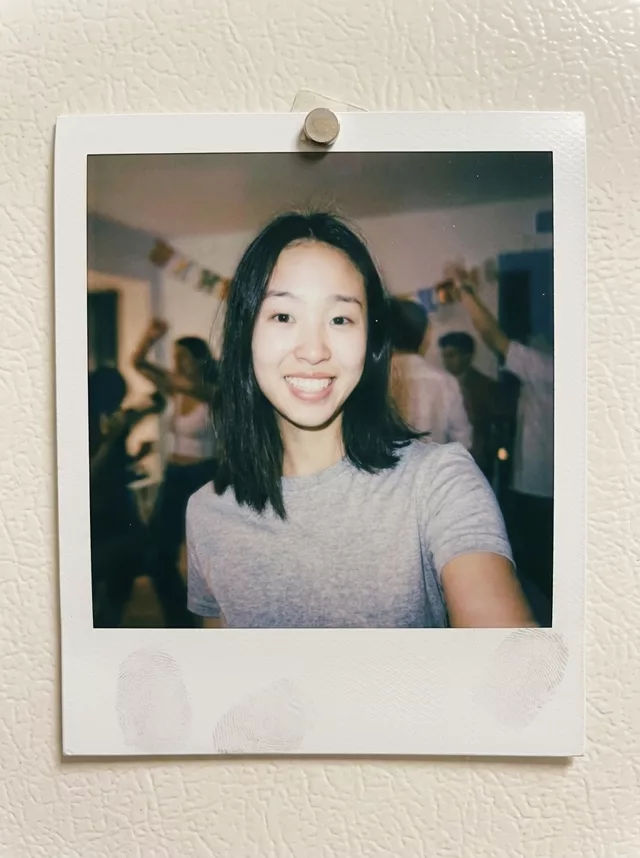
The “do not beautify” part matters more than you’d think. Many models drift toward a smoothed, symmetrical default — telling them not to is surprisingly effective.
Fix 4: Lighten the Style Weight
Heavy stylization is a face-eater. “Oil painting, thick brushstrokes, abstract expressionist masterpiece” will destroy your likeness; “portrait with a subtle painterly style” usually won’t. If your face is drifting, remove adjectives until it stops, then add them back one at a time. Photorealistic styles (film looks, lighting changes, outfit swaps) preserve identity far better than illustration styles.
Fix 5: Change the Scene, Not the Face
Structure your prompt so the transformation targets everything except your face: background, clothing, lighting, color grade. “Place me in a Paris café at golden hour, change my outfit to a beige trench coat, keep my exact facial features unchanged” gives the model a clear division of labor. Prompts that vaguely ask to “make me look like X aesthetic” invite it to redesign you.
Fix 6: Retry — Seriously
Generation is probabilistic. The same prompt on the same photo produces different faces on different runs. If attempt one is 80% you, don’t rewrite the prompt yet — just regenerate two or three times. We’d estimate most “broken” prompts are actually fine and just needed another roll. Rewrite only if drift is consistent across several attempts.
Fix 7: Iterate Instead of One-Shotting
If a big transform keeps failing, split it. First ask for the outfit change with strict face preservation. Confirm you still look like you. Then, in a follow-up edit on that result, add the background. Each smaller step gives the model less to reinvent at once. This takes longer but rescues stubborn edits more often than any prompt wording trick.
Putting It Together
A drift-resistant prompt looks like this: photorealistic style, specific scene changes, explicit identity clause, no beautification. If you’d rather not write it by hand, our prompt generator bakes the identity-preservation wording into every prompt automatically, and the prompt library marks which styles are low-risk versus high-risk for likeness.
One last note: these techniques are for editing photos of yourself, or people who’ve given you permission — never for making images of someone without consent. And label AI-edited photos when you post them.
FAQ
Does this apply to tools other than Gemini? Yes. Identity drift is a property of how image models work, not one product. The fixes — better input, explicit preservation wording, lighter styles, retries — transfer to essentially every photo-editing model.
My glasses keep disappearing or changing. Why? Accessories are reconstructed just like faces. Mention them explicitly: “keep my glasses exactly as they are.” The same goes for facial hair, moles, and distinctive features you care about.
Is there a style that never drifts? No, but there’s a spectrum. Lighting and color-grade changes barely drift, outfit and background swaps drift a little, and heavy illustration styles drift a lot. Pick your style knowing the trade-off.